
Context-aware selection
The analysis ranks complete ideas and strong moments across the source instead of choosing isolated sentences.
AI video clipper
MegaX is an AI video clipper that analyzes the full source, ranks complete moments, and renders vertical clips with captions, on-screen hooks, and smart framing.
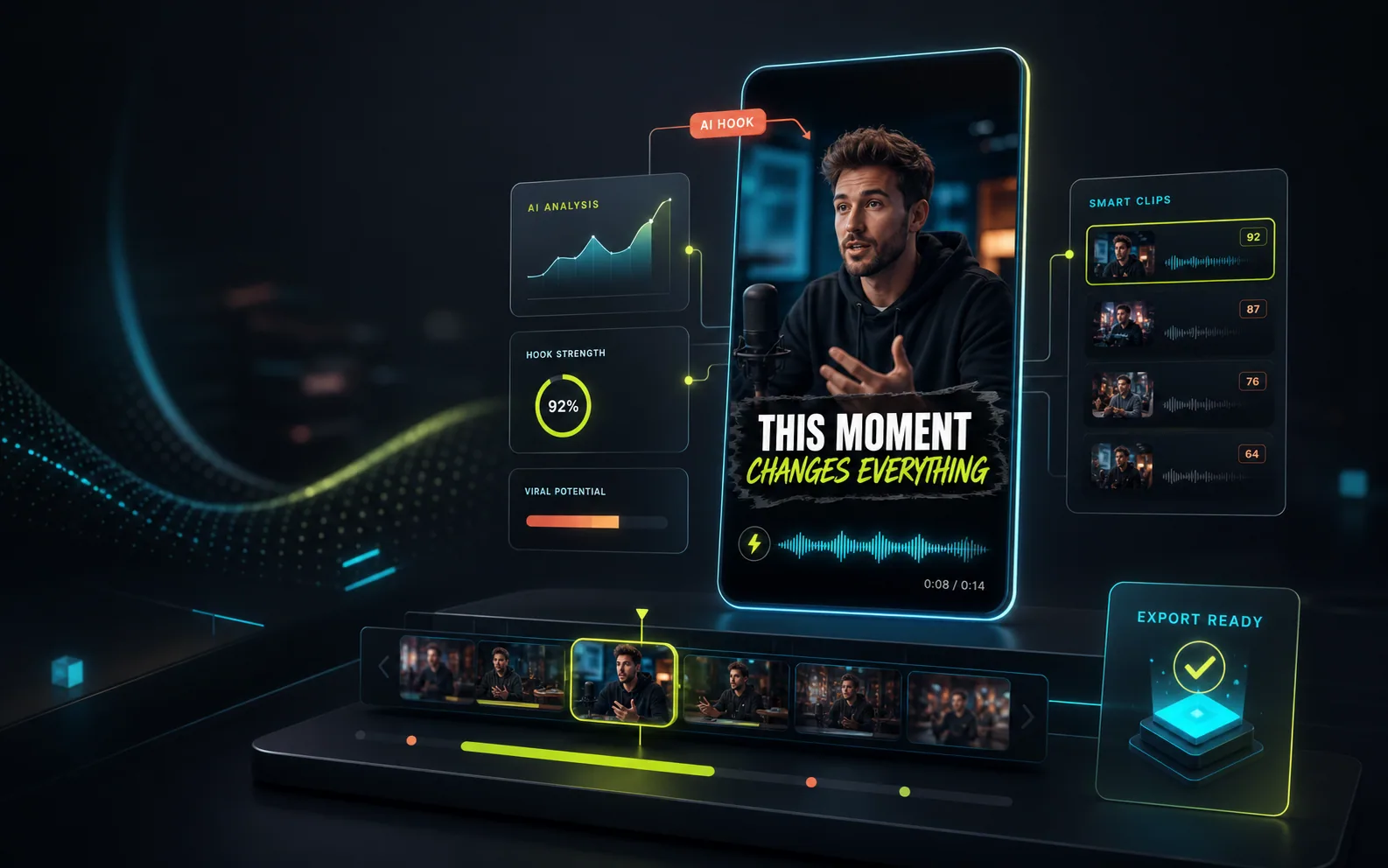
An AI video clipper converts a longer recording into short, standalone videos. MegaX uses transcript context, pacing, and visual signals to select moments, avoid repeated sections, frame them for vertical viewing, and prepare downloadable clips for TikTok, Instagram Reels, and YouTube Shorts.
What MegaX handles
MegaX keeps selection, styling, rendering, and review in one workflow so a clip is more than a random cut from a timeline.
The analysis ranks complete ideas and strong moments across the source instead of choosing isolated sentences.
Captions, on-screen hooks, framing, and visual treatment are selected for the clip and can be adjusted later.
Follow the project from analysis to moment selection and see each rendered clip appear as it becomes ready.
Preview the result in MegaX, open the advanced editor when needed, and download the finished export directly.
How it works
Add a supported video from your device and choose how many clips you want.
MegaX transcribes the audio, reviews visual context, and ranks distinct candidate moments.
Preview, download, or refine hooks, captions, crop, trim, and music in the editor.
Where it fits
The selection logic adapts to spoken context and pacing, while the rendering pipeline prepares a consistent vertical output.
Extract clear statements, reactions, explanations, and exchanges without losing the point.
Turn useful lessons, answers, and demonstrations into focused short-form segments.
Surface high-energy moments and apply content-aware visual styles for social feeds.
Questions, answered
MegaX analyzes the transcript, timing, sentence boundaries, pacing, and representative visual context. It ranks distinct moments and avoids reusing the same section across multiple clips.
Yes. MegaX enables captions by default and times them to the spoken content. Captions can be refined in the advanced editor before another render.
MegaX prepares vertical short-form clips for workflows such as TikTok, Instagram Reels, and YouTube Shorts.
Yes. You can preview the clip and adjust its hook, captions, crop, trim, music, and saved versions while the source video remains available for rerendering.
Explore MegaX
Choose 3, 5, or 10 outputs and let MegaX prepare the first draft.